
Case Study · Internal product
RoomFit case study
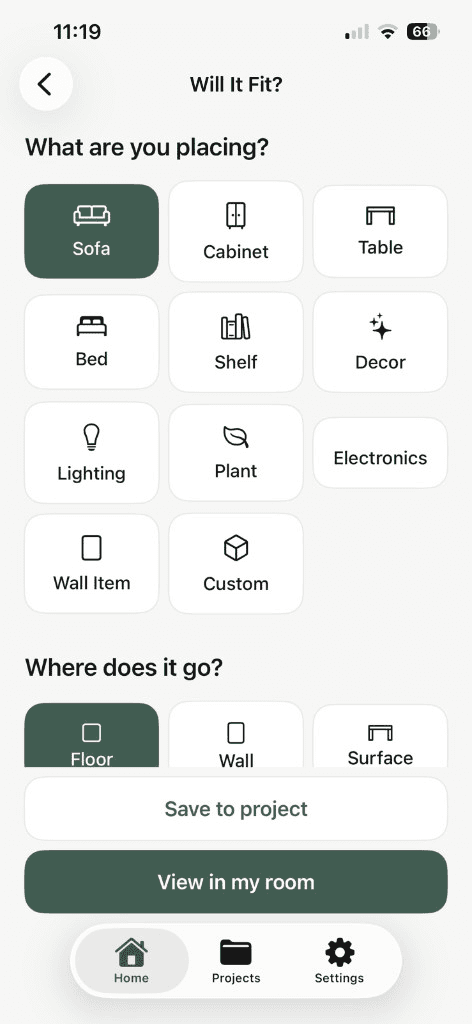
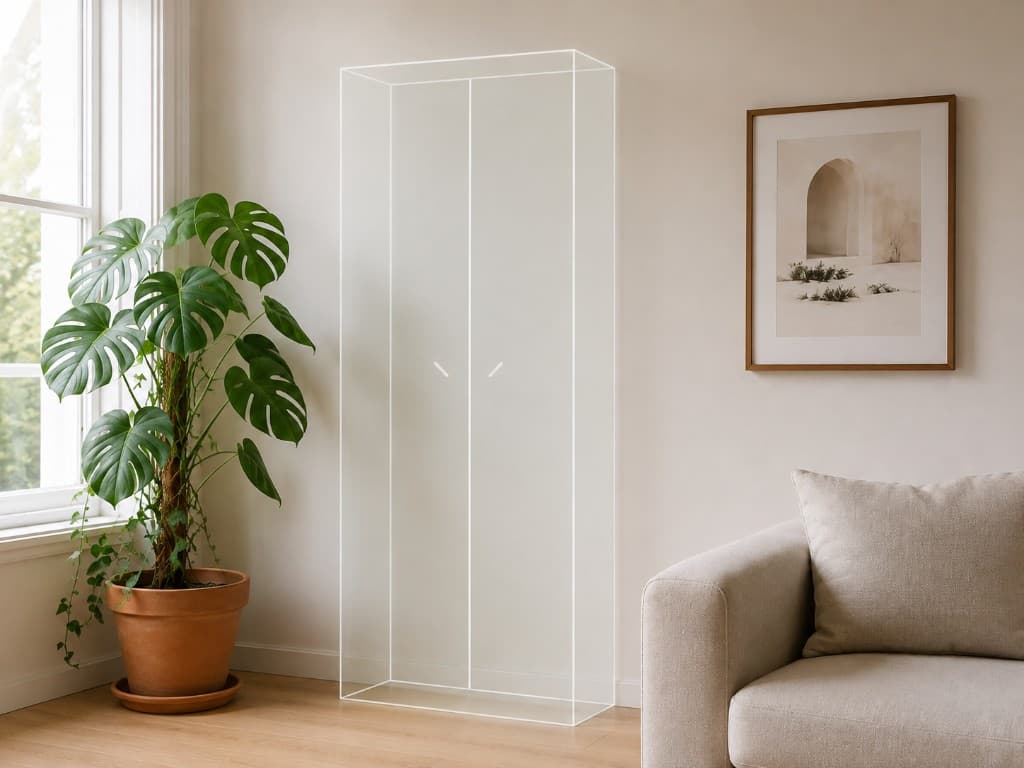
RoomFit is our own iOS app for the minute before you buy. Enter the real width, height, and depth of a sofa, cabinet, rug, TV, or vase, then place it in your room at true size with AR. Size stays locked to the numbers you entered — you can move and rotate, but you cannot pinch a 230 cm sofa down until it fits.
Around that sit the boring, useful tools: a TV size planner, a paint calculator, rug and wall art sizing, saved spaces you can fill while shopping, and an optional AI Style Check when you want a second opinion on colour and placement.
Tools used:
- iOS / Swift
- ARKit
- Segmentation
- On-device analysis
- StoreKit
- Custom UI kit
- Next.js landing
Product overview
People do not buy furniture badly because they lack taste. They buy badly because a product page shows a sofa on a white background next to the numbers 230 × 95 × 82, and nobody can picture 230 cm across their own wall. RoomFit answers three questions in the aisle: will it fit, will it look right, and does it match what is already in the room. It runs on iPhones that support AR — LiDAR is not required.
Challenge and goals
Most AR shopping features are locked to one retailer's catalogue: you can only preview what someone bothered to model in 3D. That covers a fraction of what people actually buy, and none of the second-hand cabinet, the local carpenter's table, or the lamp from a shop with no website.
We inverted it. The dimensions are the input, not the 3D model. Anything with a width, height, and depth can be previewed — including a custom object — and a product photo makes the preview look like the piece instead of a grey box. The constraint we refused to break: the size must never be adjustable by pinching, or the whole answer becomes a lie.
Second goal: honesty in the copy. RoomFit is a planning aid, not a survey instrument, and it does not pretend to reconstruct 3D geometry from one photo.
Target audience
- Anyone standing in a furniture store trying to imagine 230 cm of sofa at home.
- People moving into a new flat with empty rooms and a spreadsheet of maybes.
- Second-hand and marketplace buyers, where no 3D model will ever exist.
- Renters picking a TV size, a rug size, or a print that suits one specific wall.
- Anyone about to buy paint and guessing how many litres the room needs.
How we built it
RoomFit is a native iOS app. AR runs on ARKit plane detection, with scene reconstruction used opportunistically on devices that have it — mostly to make wall placement behave. Everything else is a set of small, honest calculators wrapped in a custom UI kit, plus a StoreKit layer for Pro and AI credits.
True-size AR, with scaling deliberately removed
The pinch-to-zoom gesture every AR demo ships with is the one gesture that destroys the answer. We took it out.
Dimensions in, geometry out
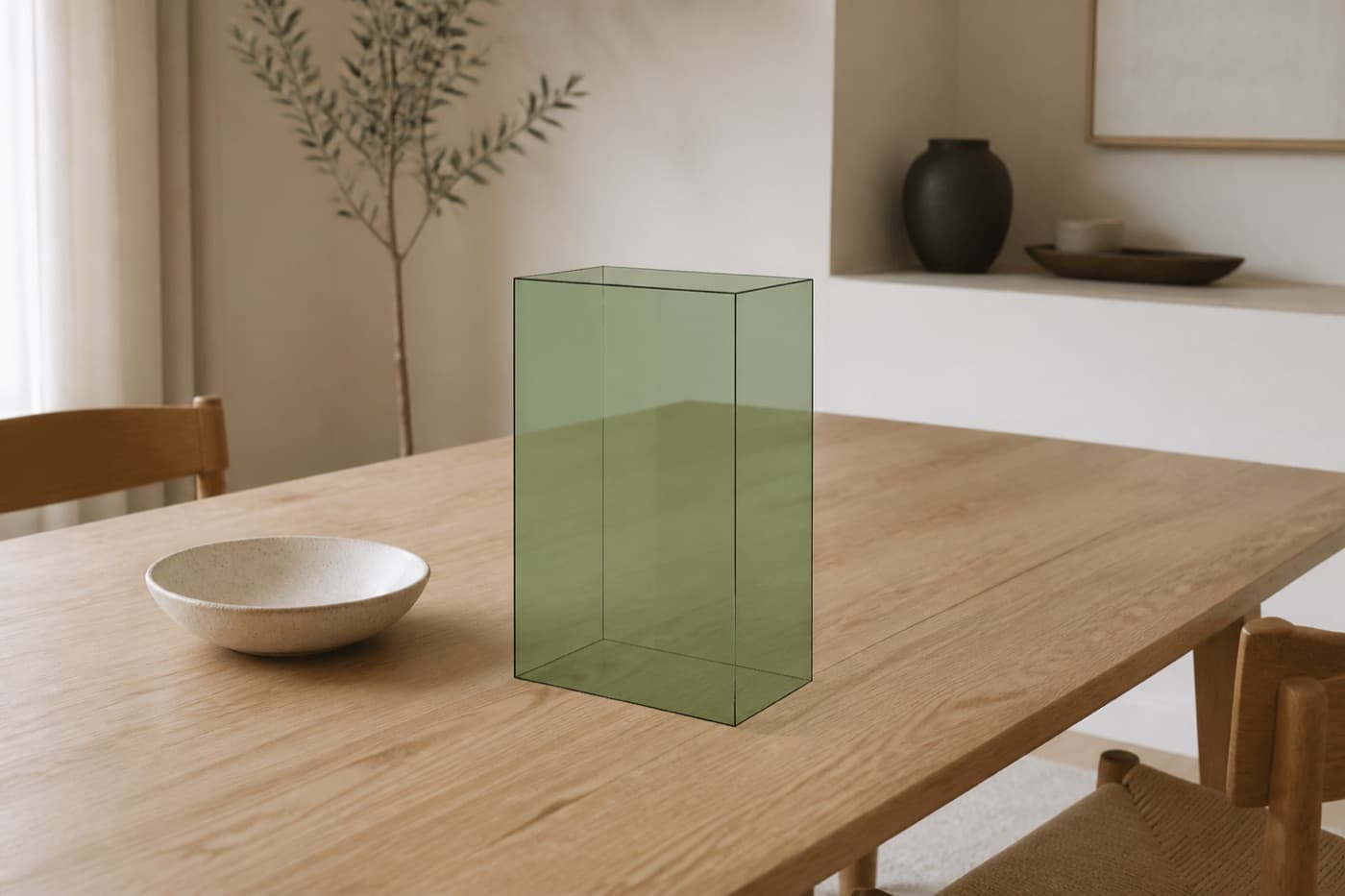
You type width, height, and depth. RoomFit builds the volume from those numbers and anchors it to a detected plane. Move it, rotate it, walk around it — the metres never change. More on the reasoning in true-size AR previews.
Floors and walls as separate targets
A sofa belongs on the floor; a 50 × 70 print belongs on a wall. The placement surface is part of the object type, which keeps the AR session from dropping a frame onto the carpet.
No LiDAR requirement
Requiring LiDAR would have cut out most of the install base for no real gain at this task. Plane detection is enough when you already know the object's size — why we skipped the LiDAR gate.
Honest accuracy copy
Tracking, lighting, and the numbers you typed all affect the result. The app says so and tells you to check doorway clearance with a tape measure. That is the same instinct behind eWoodMeter, where measurement is the product rather than a garnish.
Product photos instead of 3D models
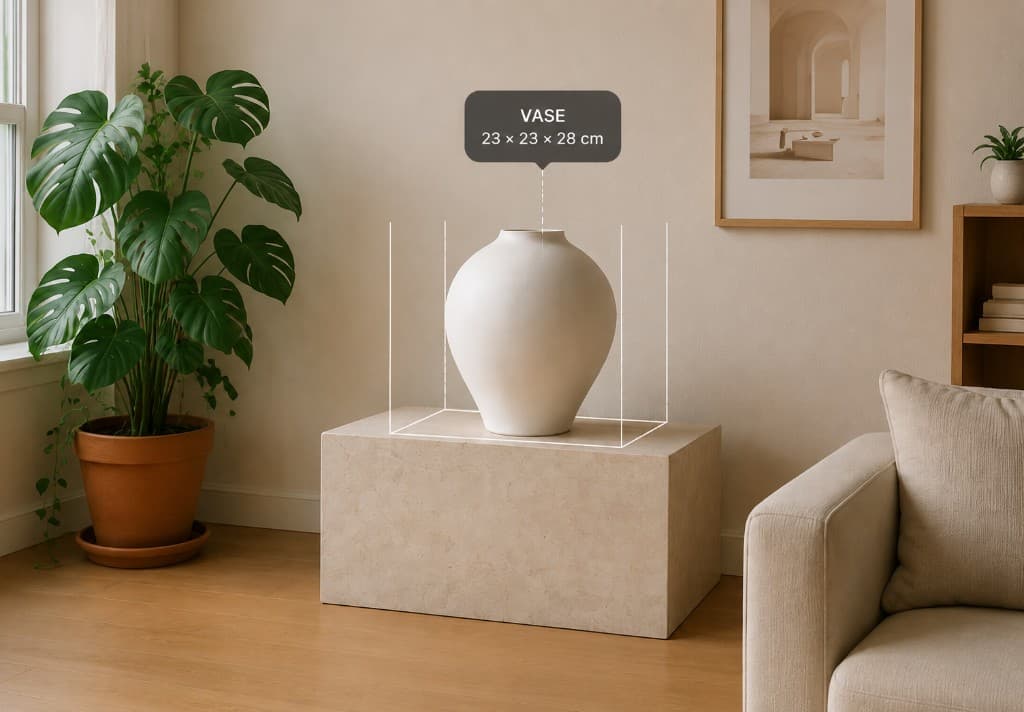
Add a photo of the item, RoomFit isolates it from its background, and the preview uses that appearance at the dimensions you entered. It is a visual approximation — we say so in the app — but it beats a grey cuboid for deciding whether a piece belongs in the room.
The pipeline is four steps: photo, background removal, real dimensions, preview in the room. Getting cut-outs clean enough for a living room shot was the fiddly part — notes on the background removal pipeline.
Match then compares your item against a saved room using dominant colours, warmth, contrast, saturation, and pattern intensity. Basic matching runs on the device; the deeper AI Style Check is opt-in and only then sends optimised images off the phone — on-device first, cloud on request.
The calculators people actually open
AR gets the screenshots; the calculators get the repeat opens. Each one is a small job with a single answer.
TV size planner
Enter the distance from the sofa to the wall, get a comfortable diagonal range and a recommendation — then preview that size on the actual wall in AR.
Paint calculator
Room dimensions, doors, windows, coats, and a 10% margin produce litres and a tin size to buy. On iOS you can also mark a wall in AR and let the measured surface feed the estimate instead of measuring by hand.
Rug and wall art sizing
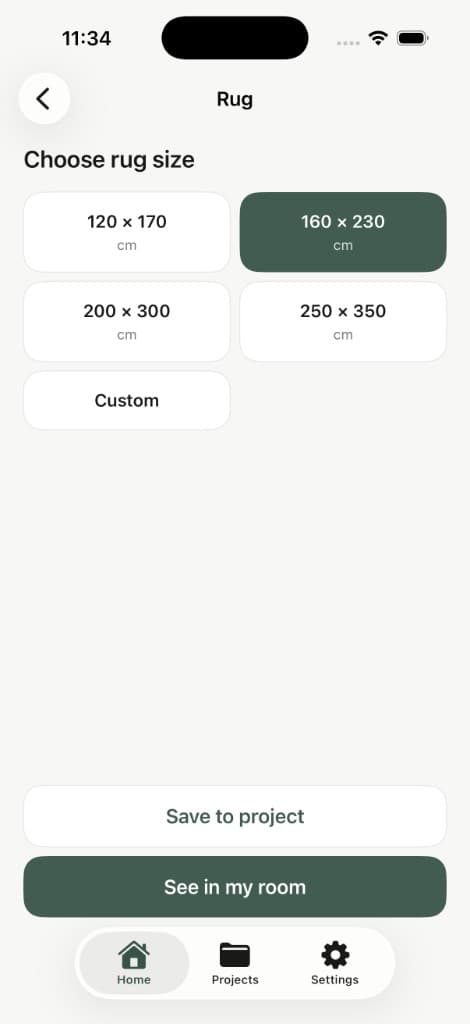
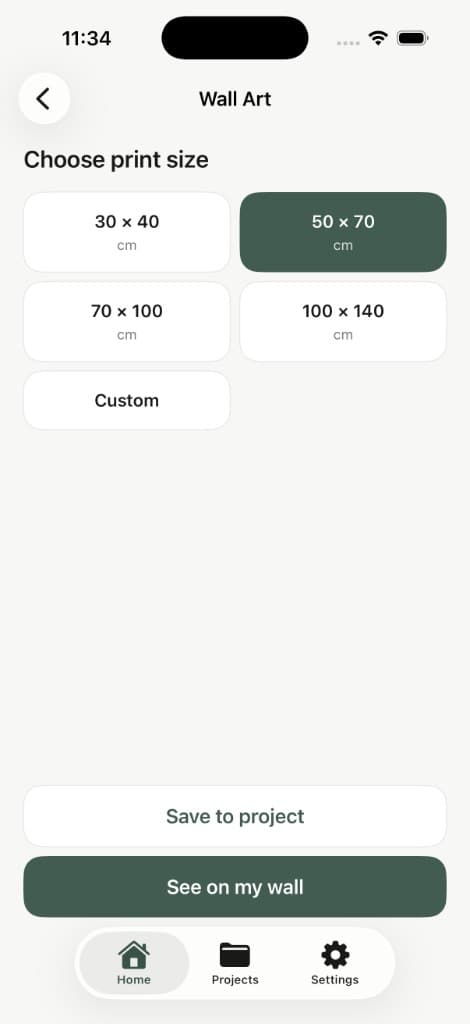
Standard sizes — 120 × 170, 160 × 230, 200 × 300 for rugs; 30 × 40, 50 × 70, 70 × 100 for prints — plus custom, compared in place before ordering something two sizes too small.
Saved spaces
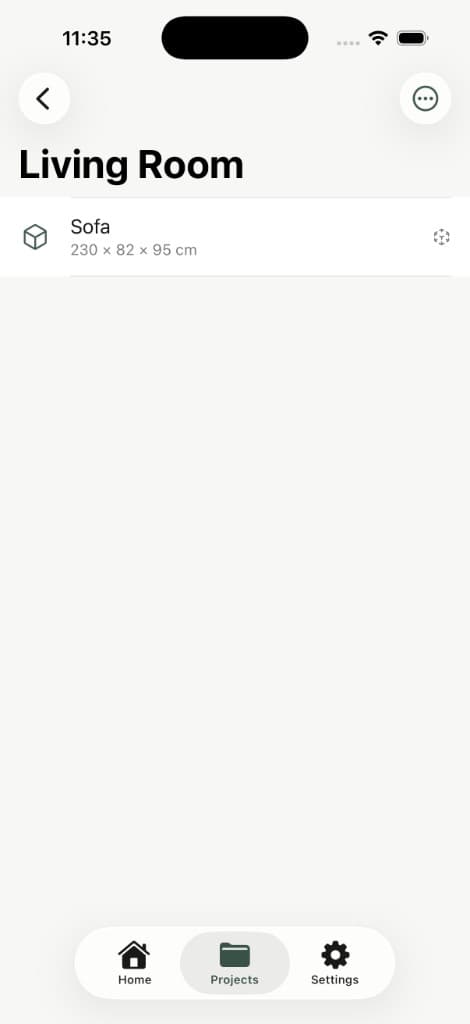
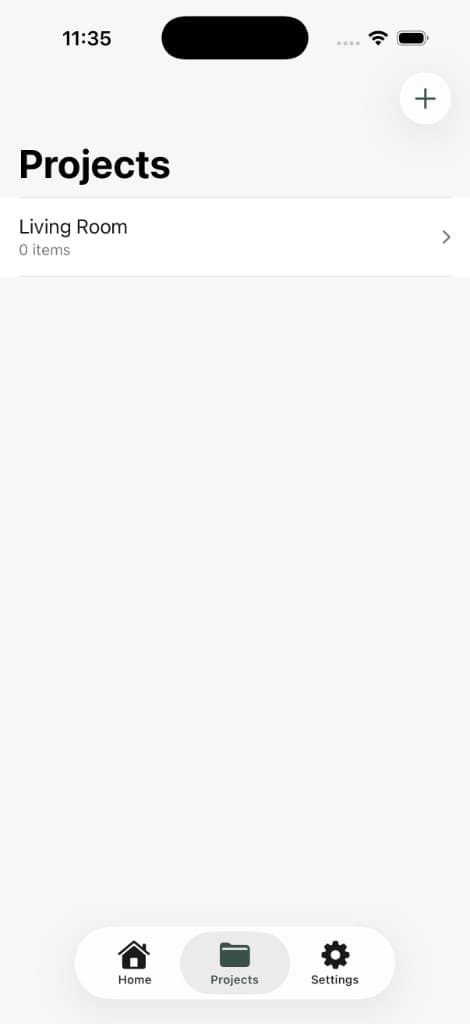
Living Room, Bedroom, Kitchen, Office, or anything you name. Save candidates while shopping, come back to them at home. Free covers three spaces; Pro lifts the limit.
Pricing, limits, and why credits are visible
RoomFit Free includes the whole core toolset, 3 AR visuals a day, 3 saved spaces, and 1 AI Style Check in total. Pro Yearly is €24.99 with 50 AR visuals a day, unlimited spaces, Compare Products, and 20 Style Checks a month. Pro Lifetime is €59.99 once, with 100 AR visuals a day and 100 Style Checks in total. Daily limits reset every 24 hours and do not roll over.
Style Checks cost us money per call, so they are credits and the app says so on the paywall rather than in a footnote after purchase. Extra packs sit in the App Store. The reasoning is in AI credits in consumer apps and lifetime versus subscription on StoreKit.
Purchases go through Apple StoreKit, including Restore Purchase on the Apple ID that bought them.
Live website
Current public landing page for RoomFit. Click the viewport to open the live site.
Conclusion
RoomFit is what we build when nobody is paying us to cut corners: a narrow product that answers one question well, with limits and accuracy stated in plain language. It is also where we prove out ARKit, on-device image work, and StoreKit patterns that end up in client apps — the same studio that ships custom mobile apps and custom software from Sarajevo. See it live at roomfit.codeloop.ba.