
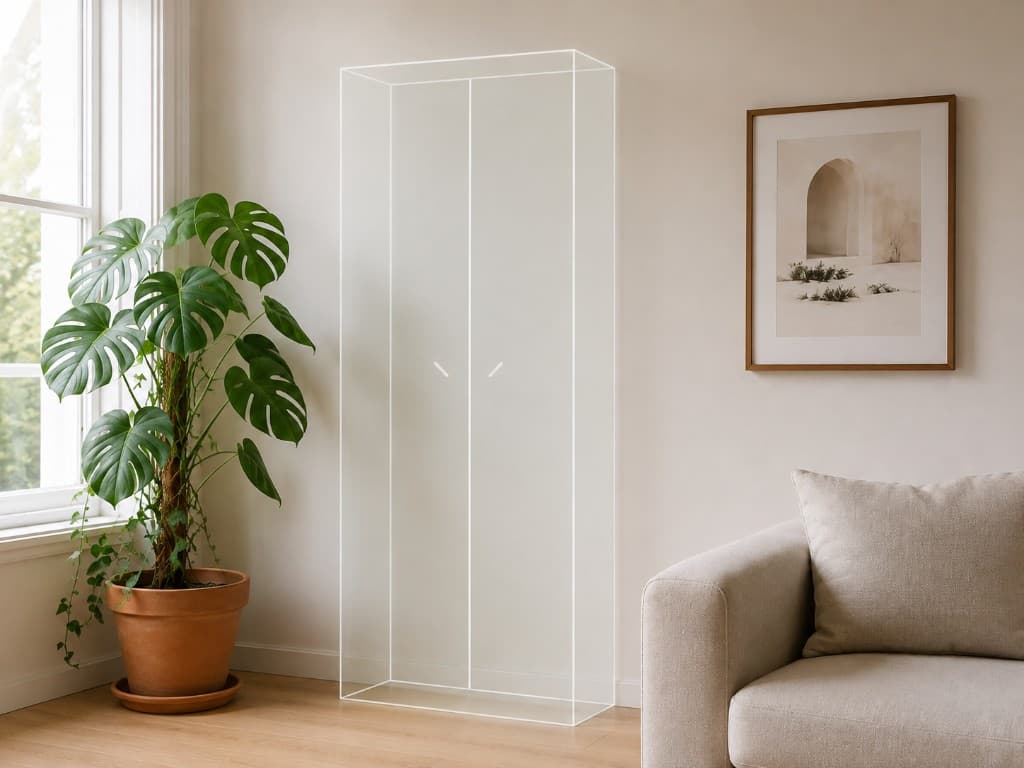
A furniture product page gives you a photo on a white background and the numbers 230 × 95 × 82. Nobody can picture 230 cm across their own wall. That gap is the whole reason we built RoomFit, our own iOS app: you type the real width, height, and depth, and the piece appears in your room at true size.
The interesting decision was not what we added. It was the gesture we deleted.
Pinch-to-scale is the feature that breaks the answer
Almost every AR demo lets you pinch an object bigger or smaller. It feels good in a thirty-second video. It also means the object on your floor is whatever size the user last dragged it to — which is fine for a game and useless for “will this cabinet clear the radiator?”
In RoomFit you can move an object and rotate it. You cannot scale it. Size is bound to the dimensions you entered, so the preview either fits or it does not, and the app is not complicit in you talking yourself into a sofa.
This is the same instinct we apply to measurement software for clients — see eWoodMeter, where a wrong cubic metre is an invoice dispute rather than a decorating regret.
Dimensions in, geometry out
Retailer AR features work the other way around: someone models the product in 3D, and you can preview exactly the items in that catalogue. Anything second-hand, local, or made by a carpenter with no website is invisible.
Because RoomFit builds the volume from typed dimensions, the covered catalogue is “any object with a width, a height, and a depth.” Sofa, cabinet, lamp, vase, plant, speaker, wall art, or a custom entry. When you want it to look like the real piece rather than a box, you add a photo — product photo previews and background removal.
What we got right, and what we tell users to distrust
Placement surface belongs to the object type. A sofa targets the floor, a 50 × 70 print targets a wall. Guessing the surface from a tap is how frames end up on carpets.
No LiDAR gate. Plane detection carries this task, so the app runs on far more iPhones — why we skipped the LiDAR requirement.
The app says it is a planning aid. Tracking drift, poor lighting, and a typo in the depth field all move the result. Check doorways and stairs with a tape measure before you pay.
It is not a generated 3D model. We never claim reconstruction from a single photo, because we do not do it.
Want this kind of AR in your product?
CodeLoop Studio is in Sarajevo and builds custom mobile apps for clients in BiH and the EU. RoomFit is where we prove the patterns first — including how the AI features are metered. Send the job to be done: online estimate or contact, reply in 24 hours.