
Case Study
eWoodMeter case study
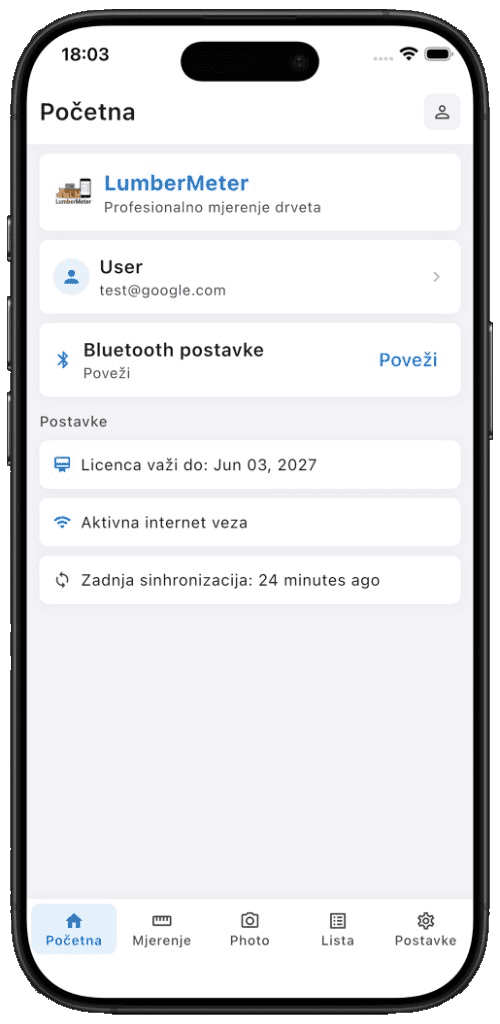
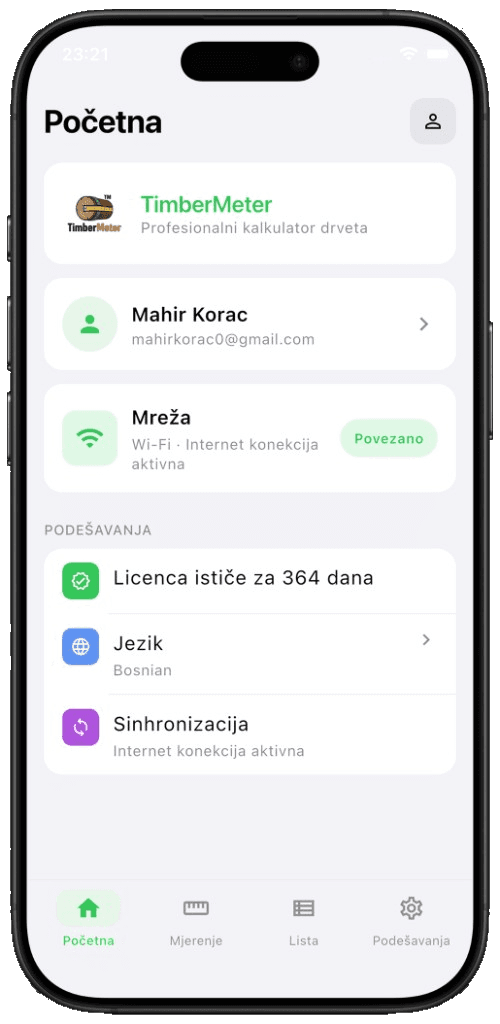
eWoodMeter is a wood measurement product family we built for the yard, the mill, and the forest. LumberMeter cubes sawn timber and board stacks. TimberMeter cubes logs and raw wood. Both ship on iOS and Android from ewoodmeter.com.
Capture stays fast in the field — Bluetooth, keypad, or photo scan — then volumes sync to the office. Internet is not required while measuring; Excel export and packing lists wait until you are back online.
Tools used:
- Flutter
- Bluetooth
- Custom UI kit
- Machine learning
- Excel export
- Forestry Domain
Product overview
On the forest road, in the mill, or in the warehouse, eWoodMeter replaces notebooks and scattered calculators. Real-time cubing, fewer manual errors, a full measurement record, and data that can reach the office in seconds. LumberMeter is built for processed boards; TimberMeter is built for individual logs — same product family, two field jobs, both on ewoodmeter.com.
Challenge and goals
Field work often depends on manual notes and fragmented tools, which slows teams and increases the chance of data inconsistencies. The challenge was to make volume capture both fast and reliable in real operational environments.
We focused on usability in rough conditions, clear step-by-step inputs, and outputs that are immediately useful for office teams and decision makers.
Target audience
- Sawmills and yards cubing sawn timber and board packs with LumberMeter.
- Forestry crews measuring logs and raw wood with TimberMeter.
- Operators who need Bluetooth or keypad capture that still works offline.
- Office teams who want Excel reports, packing lists, and species totals.
- Companies replacing paper logs with a digital wood measurement app from eWoodMeter.
How we built it
Both apps are Flutter on iOS and Android, so a yard and a forest crew share one workflow. The hard parts lived in LumberMeter: talking to measuring hardware the vendor only documented as native SDKs, designing a kit operators can use with gloves on, and teaching the camera to count a board stack. TimberMeter is the companion for logs. Measurement stays offline; Excel and sync wait until the connection returns — the same product family as ewoodmeter.com.
LumberMeter — boards, packs, and the hardware in between
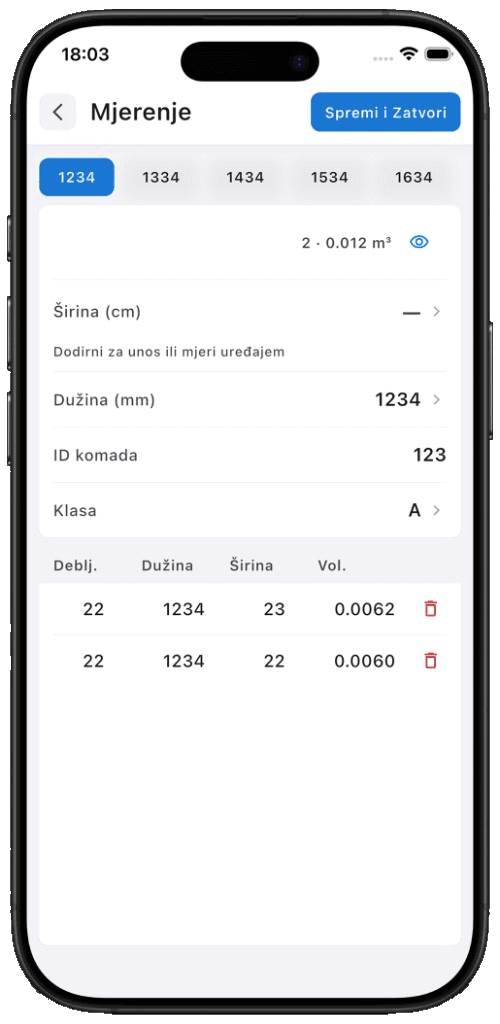
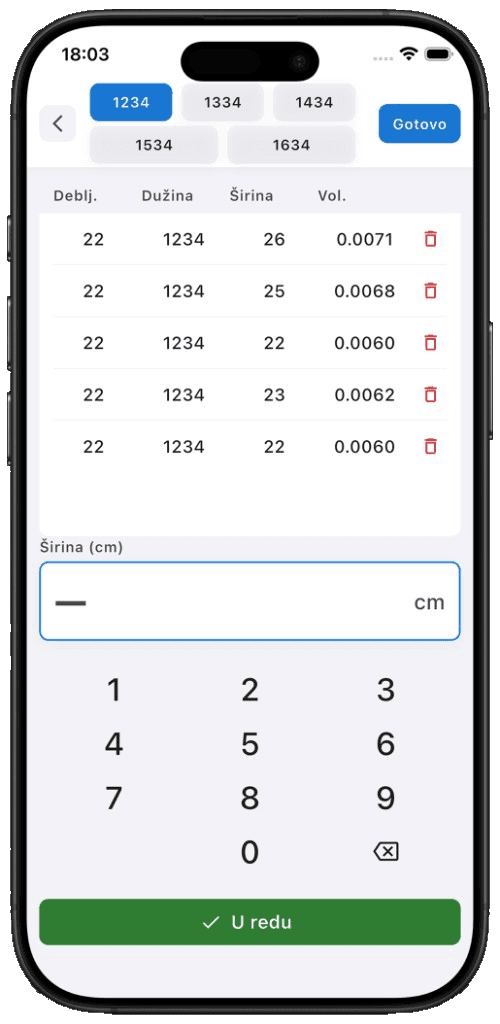
Sawn timber is cubing, not guesswork. Operators capture width, length, class, and piece ID in the yard, then leave with a packing list instead of a notebook.
Bluetooth, reverse-engineered for Flutter
The measuring devices shipped native Android and iOS libraries only. We reverse-engineered the Bluetooth protocol and wrote a Flutter plugin so both platforms share one connectivity stack — same pairing, same live capture, no forked native apps.
A full custom UI kit
Every screen is a kit we designed for the yard: large keypad targets, high contrast in sun, and a flow that works one-handed. Nothing was dropped in from a generic component library.
Save locally, export to Excel
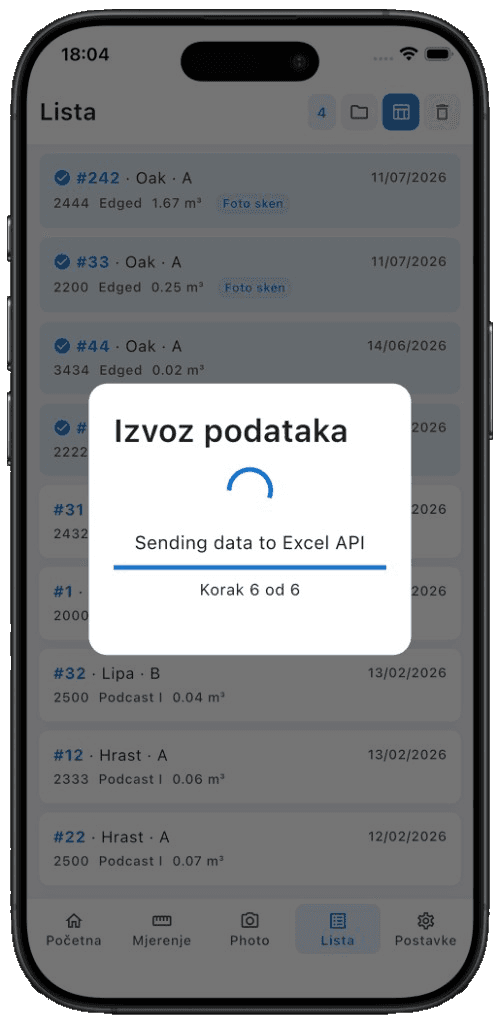
Lists persist on the device. When the operator is back online, the same data fills a predefined Excel template — packing lists the office already knows how to open, not a CSV they have to reformat.
Photo scan trained on 5,000 boards
We trained a machine-learning model on 5,000 images of lumber pieces, then wired it into the app so a photo of a wood stack can be analysed in the field. Detection lands around 95% on a typical pack — enough to start from a scan instead of counting every board by hand.
TimberMeter — logs, species, and cubic metres
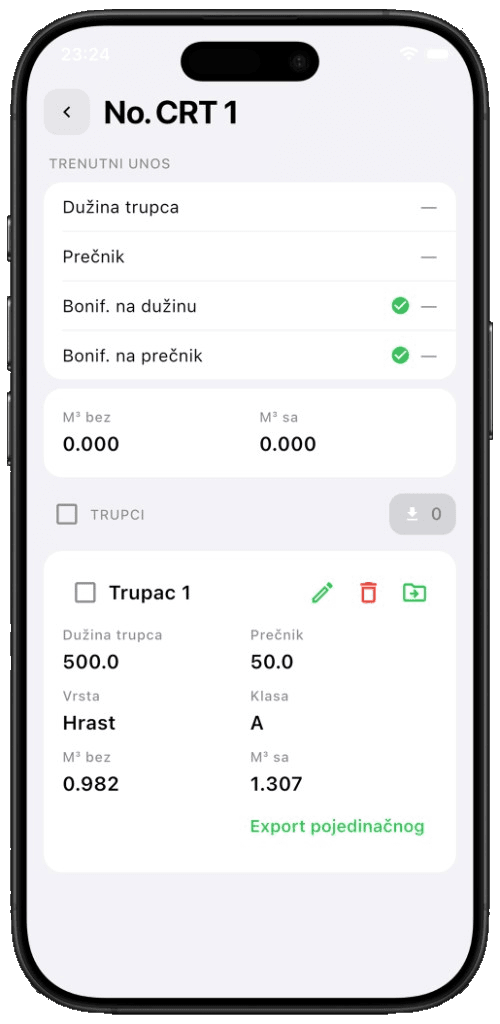
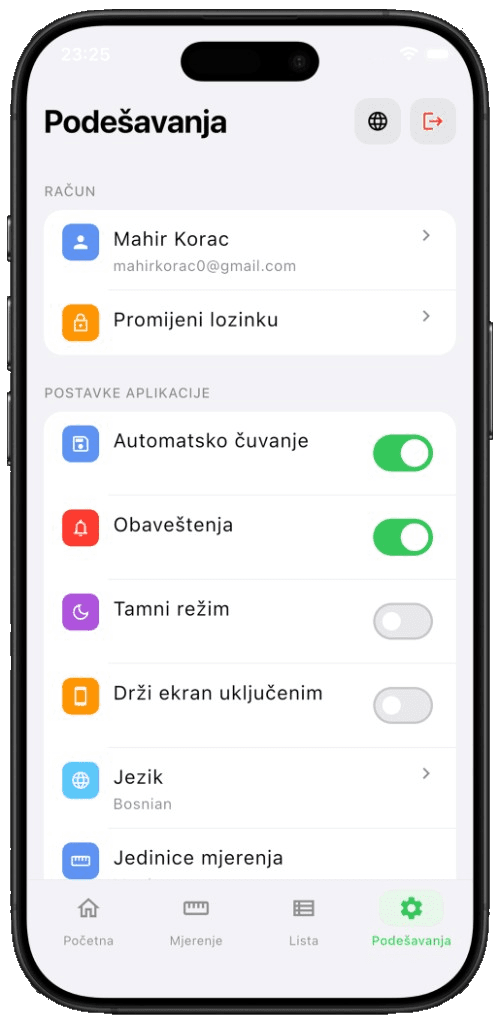
TimberMeter is the log side of the same family. Crews enter length, diameter, species, and class, group pieces into containers, and get cubic metres without a separate calculator. Settings cover language, units, auto-save, and the account that later syncs the day's work.
Same custom UI kit as LumberMeter, same offline-first habit: measure in the forest, export when you are back in range. Both apps ship from ewoodmeter.com.
Live website
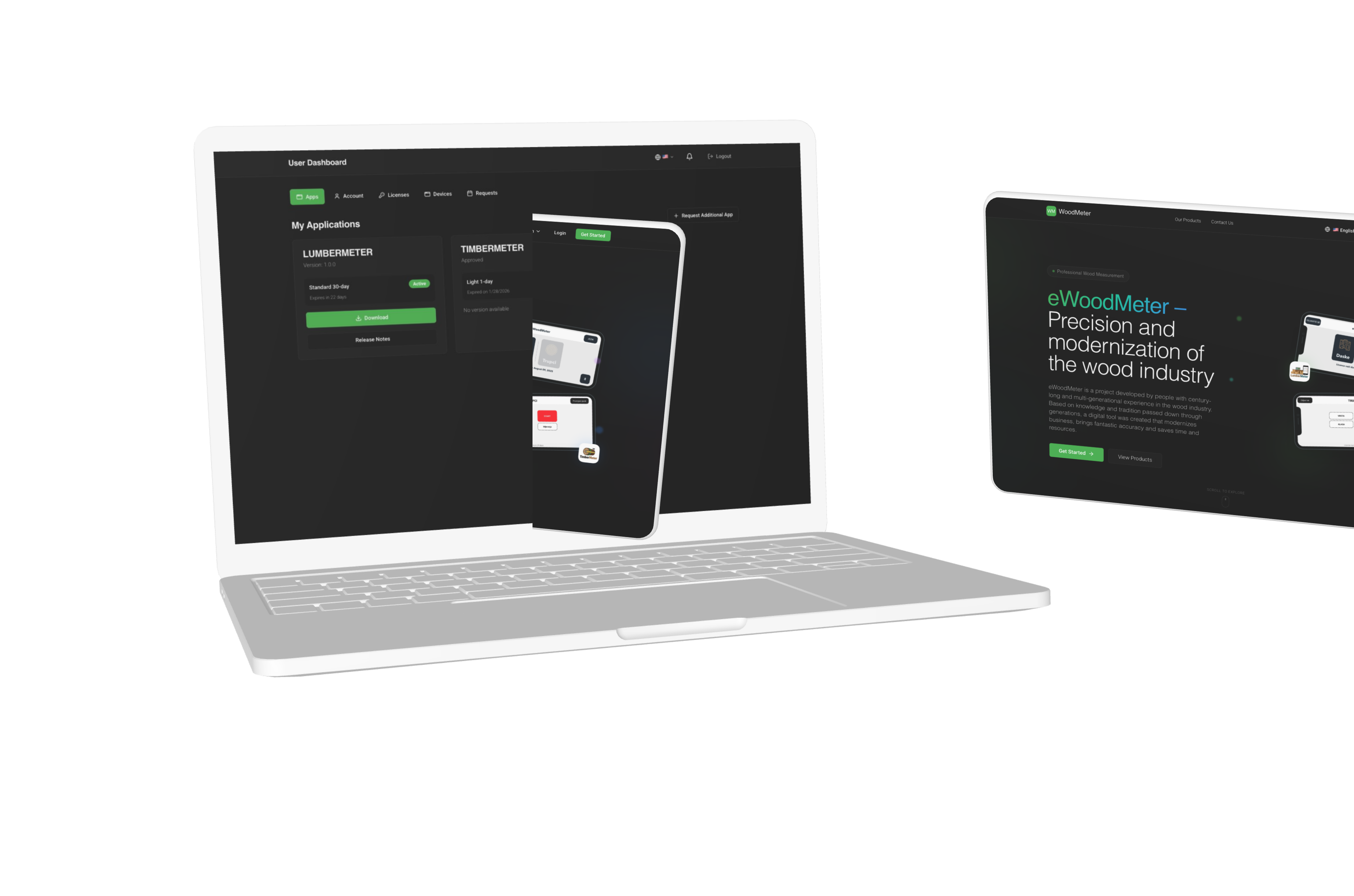
Current public landing page for eWoodMeter. Click the viewport to open the live site.
Conclusion
eWoodMeter turns field cubing into records the office can trust — LumberMeter for boards, TimberMeter for logs. Behind that is a Flutter Bluetooth stack we had to reverse-engineer, a custom UI kit, Excel templates, and a photo-scan model trained on 5,000 lumber images. See the live product at ewoodmeter.com.